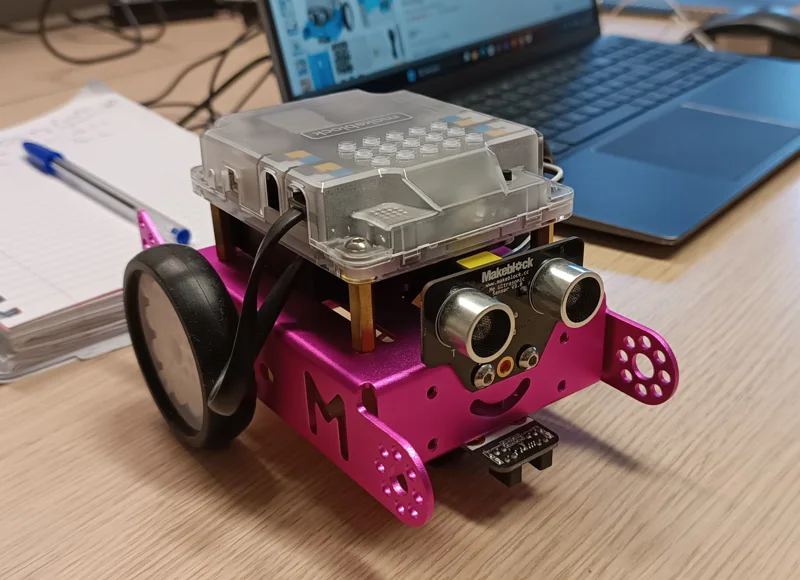
Robot kit
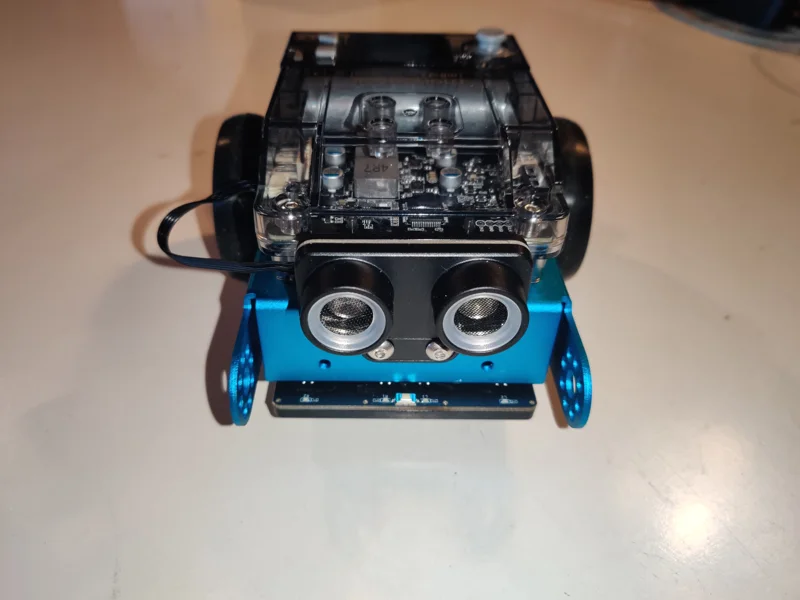
mBot Robot Kit · Pink
Build a first rover. Bolt the chassis together, then program the rover to follow a line or stop at a cardboard box.
$69.99 USDView at Makeblock ↗

— ET
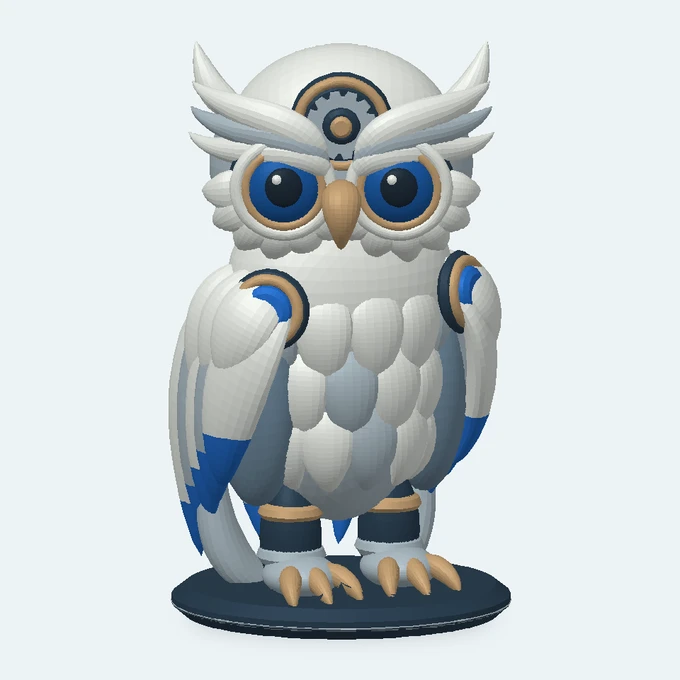
Put Sage on your workbench. Our mechanical owl is this year’s free 3D print, from the gear on his forehead to the blue tips of his folded wings.
2026 event · Nov 26, 6 p.m. – Nov 28, 10 a.m. Eastern
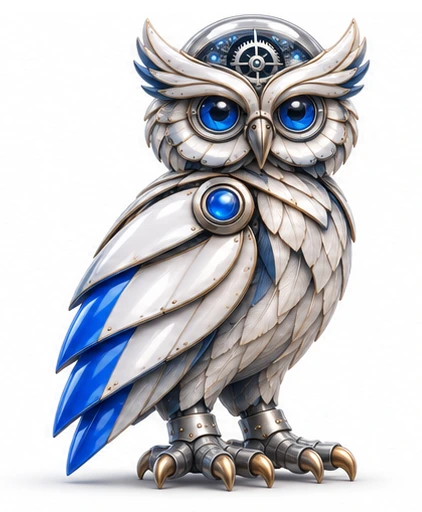
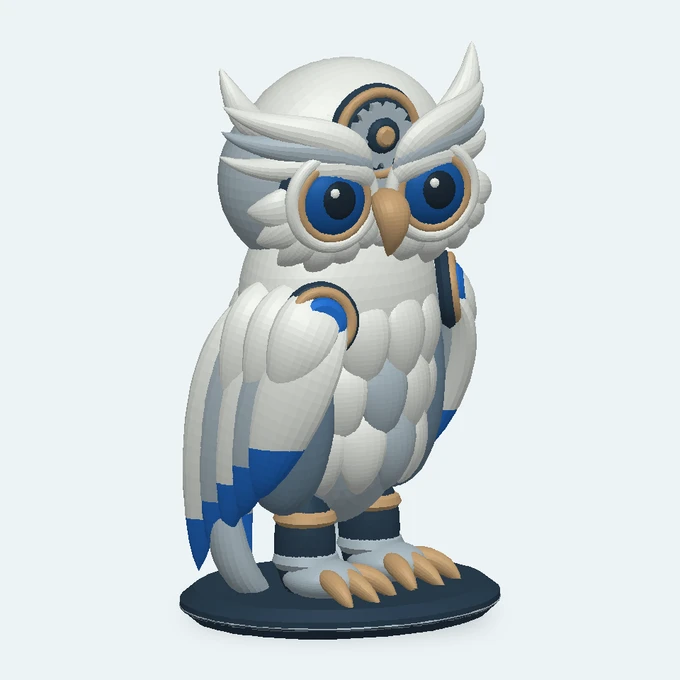
A full-body sculpt of Automarama’s mechanical owl. His brows, wing plates and forehead gear stand proud of the surface. Both feet and the folded wing brace join a flat oval base.
The preview shows one way to paint Sage. The STL files print in your filament color.
See the front viewFree STL downloads open Thursday, Nov 26 at 6 p.m. Eastern.
One piece · No purchase or signup
Load the STL in millimetres with the flat base on the bed. Allow 47 × 40 mm for the 80 mm owl or 59 × 50 mm for the 100 mm owl.
We sliced both in Cura with a 0.4 mm nozzle, 0.2 mm layers, three walls, 15% infill and build-plate supports at 55°. With those settings, each model’s calculated center of mass projects within 0.4 mm of the center of its first layer. Check the beak and feather tips in your slicer’s preview. A physical test print is still pending.
Two robots you can build, plus an upgrade for someone who already owns one. Automarama may earn a commission on Makeblock purchases.
Build a first rover. Bolt the chassis together, then program the rover to follow a line or stop at a cardboard box.
Take the next step into Python. Start with blocks, then use Python to change how the rover reacts to its sensors.
 See pack photos at Makeblock ↗
Give an mBot a new trick. For someone who already has the original mBot. Add a light sensor and an RGB LED to make a light-following build.
US prices listed by Makeblock, checked Nov 24, 2026. Makeblock confirms current price, availability and delivery at checkout. Photo credits